
Drop a PostgreSQL Export

𝗟𝗮𝘆𝗼𝘂𝘁 𝘀𝗲𝗰𝘁𝗶𝗼𝗻
In the previous demo, we successfully dropped a PostgreSQL Node.
In this part, we will learn how to drop an Export.
Recently, we have created some Exports in our cluster.
You need to navigate to the Inventory area on the right side of the Layout section.
In the Inventory area, click the Export/Import menu.
Here we have some exports, that were created recently.
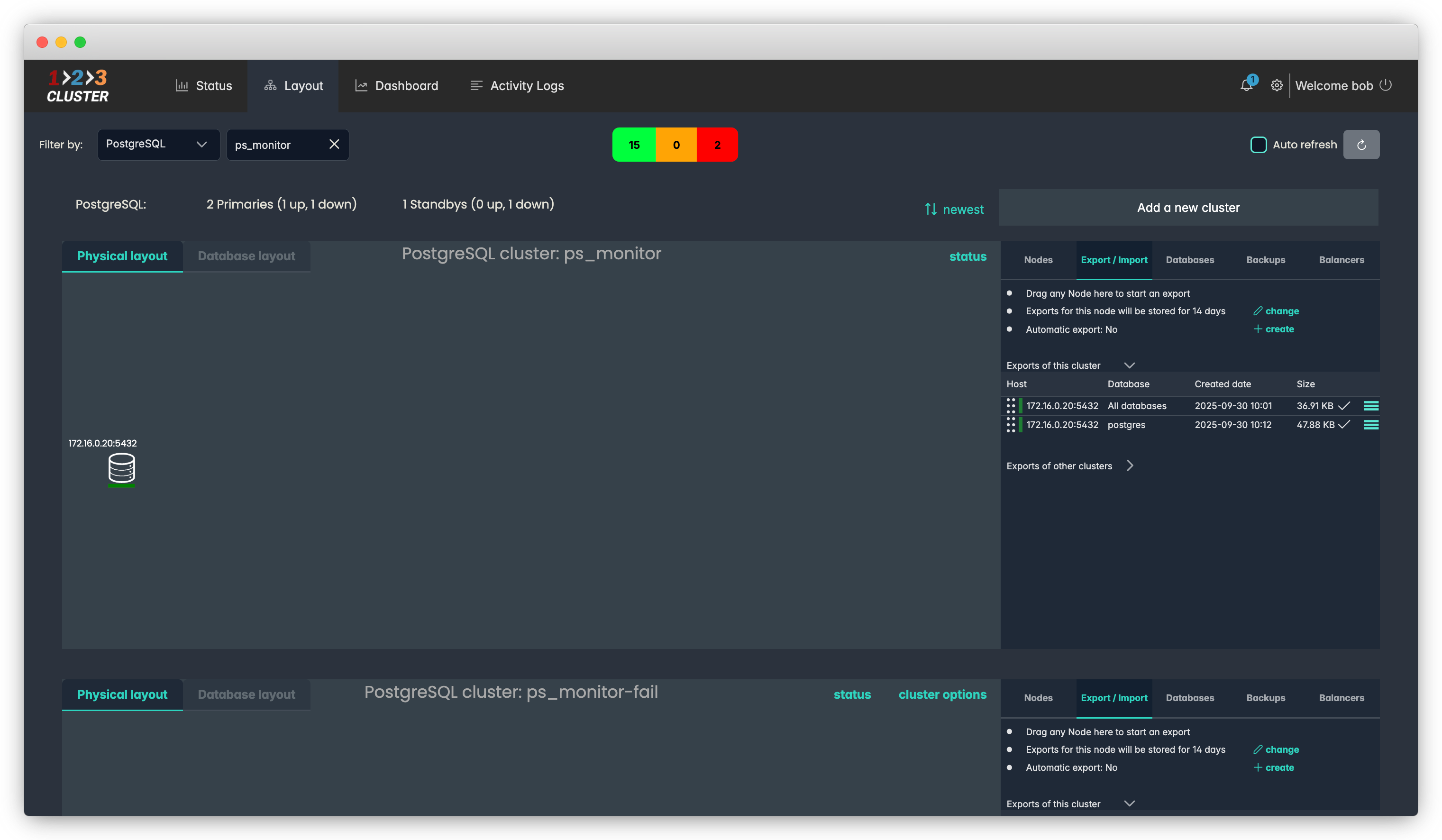
Let's drop one of our exports.
Drag the ::| icon located near the 'postgres' export into the Trash bin icon.
.png)
A new window will appear. Select 'Yes' to complete the process.
- Click on the Rest API icon will generate a code you can later use in automation.
.png)
The status runner will indicate the progress of your operation.
Our Export was successfully dropped.
.png)
Your configuration path will look like this:
Layout section → Inventory area → Export/Import → Drag the export into the Trash bin → Select 'Yes'

